
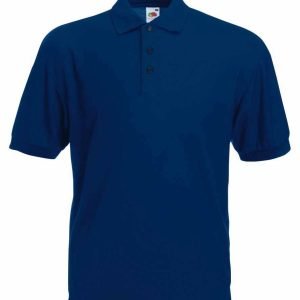
 Polo shirts
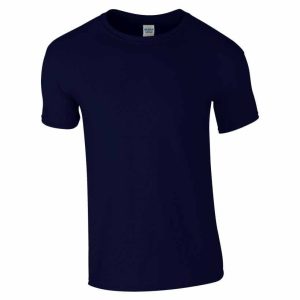 T-shirts
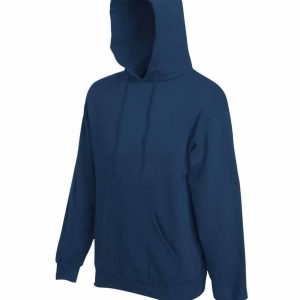 Hoodies
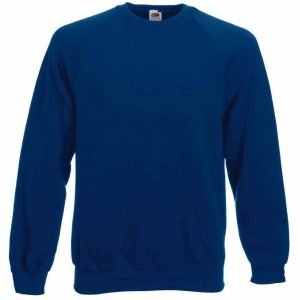 Sweatshirts
 Jackets
 Hi vis
The Workwear Logo Guide: What Works on a Garment (and What Doesn’t)
However much workwear we brand, one thing decides whether an order goes smoothly: the logo. Not the garment, not the colour. How much of it you use, where it goes, and what file you send us.
This guide covers those three decisions, plus a newer problem we’re seeing more of: logos made with AI tools.
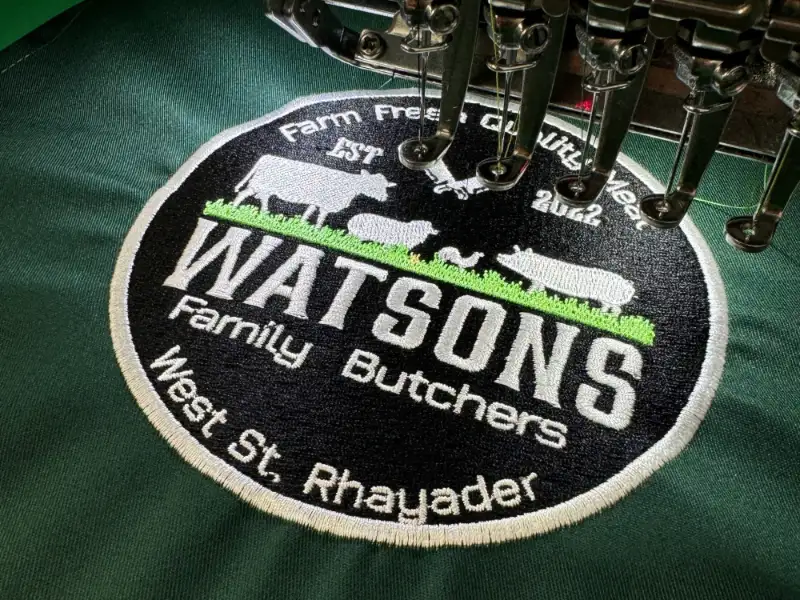
Less is more: one logo, done well
Smaller businesses tend to overthink their workwear branding. They want the logo, the tagline, the phone number, the website and the social handles, all on the left chest of a polo shirt. It’s too much.
Nobody reads a website address off someone’s chest while they’re fixing a boiler. What people notice is a clean logo, well embroidered, in the right place, on a decent garment. Our rule: one logo, and one line of text underneath only if you really need it. If the phone number matters, put it large across the back of a jacket or a hi vis vest, where it can actually be read. And if you only add one line under the logo, make it your website. Most customers look you up online before they get in touch, and your website already holds the phone number, the trade body logos and everything else people try to squeeze onto a chest.
✓ Do
✓ Send the clearest file you have (a vector if it’s for print)
✓ Pick one logo position and do it well
✓ Keep fine detail and tiny text to a minimum
✗ Avoid
✗ Screenshots and tiny logos saved from emails
✗ Logos crammed onto every panel of the garment
✗ An AI-made logo sent straight from the tool
Which file to send
It depends on how the logo is going on.
For embroidery, we turn your logo into a stitch file whatever you send (that’s digitising), so a clean, high-resolution PNG or JPG is usually enough to work from. A vector helps, but it isn’t essential.
For print, a vector file gives sharp edges at any size. That’s usually an AI, EPS, SVG or PDF from whoever designed the logo. A small PNG from your website often isn’t enough for a large print across the back of a jacket.
The same logo, zoomed right in
Why a small website logo struggles when it’s printed large.
Pixel image
PNG, JPG, most Canva and AI images: edges break into squares
Vector artwork
AI, EPS, SVG or PDF from a designer: edges stay clean at any size
No vector and you need one? We can redraw it as a vector for you, and we’ll confirm the cost before we start. Our guide to vector logos and how to check yours explains which file you’ve probably got. Sort it once, keep the file somewhere your team can find it, and every order after that moves faster. We keep your logo and stitch files on our system as well, ready for when you reorder, so you won’t need to send them again. And if the logo isn’t ready at all yet, you can order now and send it later.
The AI logo problem
More businesses are creating their logos with AI image tools, and more of those logos are landing in our inbox. I understand why. It’s quick, it’s cheap and it looks good on a screen.
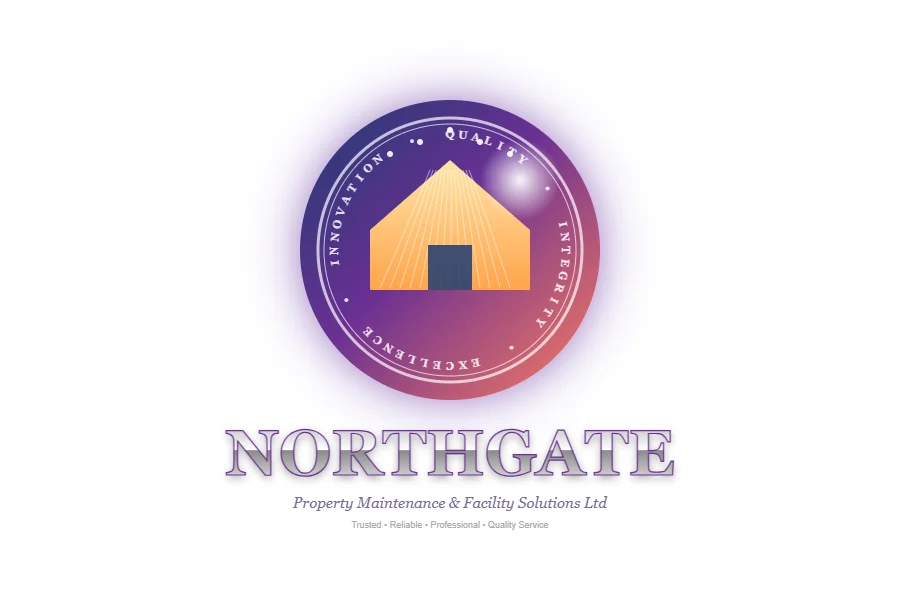
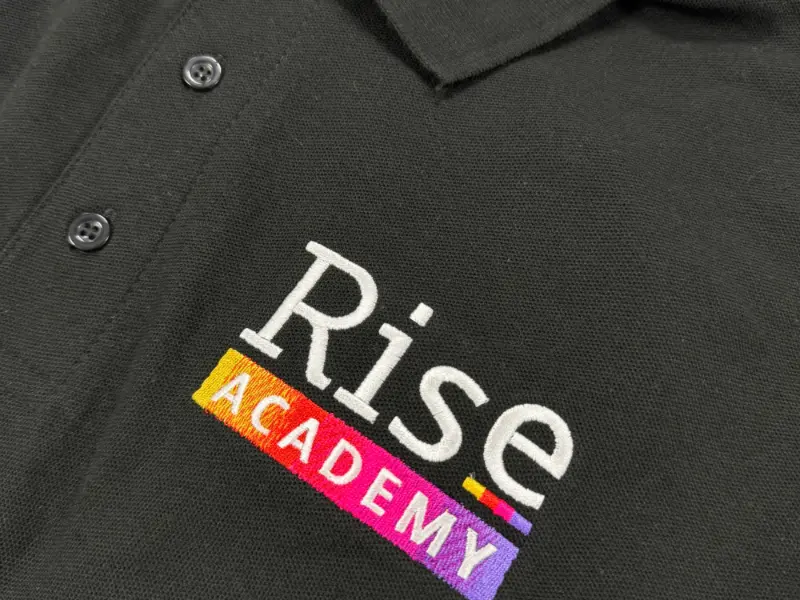
The trouble starts when it has to become thread or ink. Whatever an AI tool gives you is a pixel image, however crisp it looks, so it can’t be printed large without being redrawn. And the style these tools love is the hardest to embroider:
- Soft gradients and glows. Thread can’t blend smoothly, so a gradient has to be rebuilt as a few solid steps.
- Hairline detail. Thin strokes and textures vanish at left chest size.
- Tiny lettering. A ring of words around an emblem fills in and can’t be read.
- Letters that look right but aren’t. Zoom in and the spacing or the shapes are often slightly off.
None of that means you can’t use it. A designer, or our digitiser, can simplify it: solid colours, fewer details, bigger lettering. If you’re starting out, my advice is to use the AI tool for ideas, then pay a designer, even a junior one, to draw it properly. Your logo is on every garment, every van, and every time one of your team walks into a customer’s building. It’s worth getting right once.
Not sure if your logo will work?
Send us whatever you’ve got. We’ll check it, tell you honestly whether it’ll embroider or print well, and say what we’d change. We never start an order on a file we’re not confident in, and you’ll see a visual of your logo on the garment before anything is made. Send it with your quote request, or book a call if you’d rather talk it through.
Frequently asked questions
What file do I need for embroidered workwear?
A clean, high-resolution image of your logo is usually enough, because we digitise it into a stitch file anyway. A vector file helps, and you’ll need one for large prints.
Can you embroider an AI-generated logo?
Usually, once it’s been simplified. AI logos tend to have soft gradients, fine detail and tiny lettering that don’t stitch well, so we’d suggest solid colours and bigger lettering. We tell you what needs changing before anything is made.
Where should a logo go on workwear?
The left chest is the standard position on polos, fleeces and jackets. One clean logo works best. A larger logo, or a phone number, reads better across the back.
How much does it cost to get a logo redrawn as a vector?
It depends on the logo. If we redraw it for you, we’ll tell you the cost before we start, so there are no surprises.